The principle
AI multiplies options; it doesn't replace judgement. I use it where the work is voluminous and verifiable: synthesising research data, generating design variations to react to, and building prototypes I couldn't code alone. Decisions stay human, and checking is part of the workflow.
Three examples
1. Research synthesis
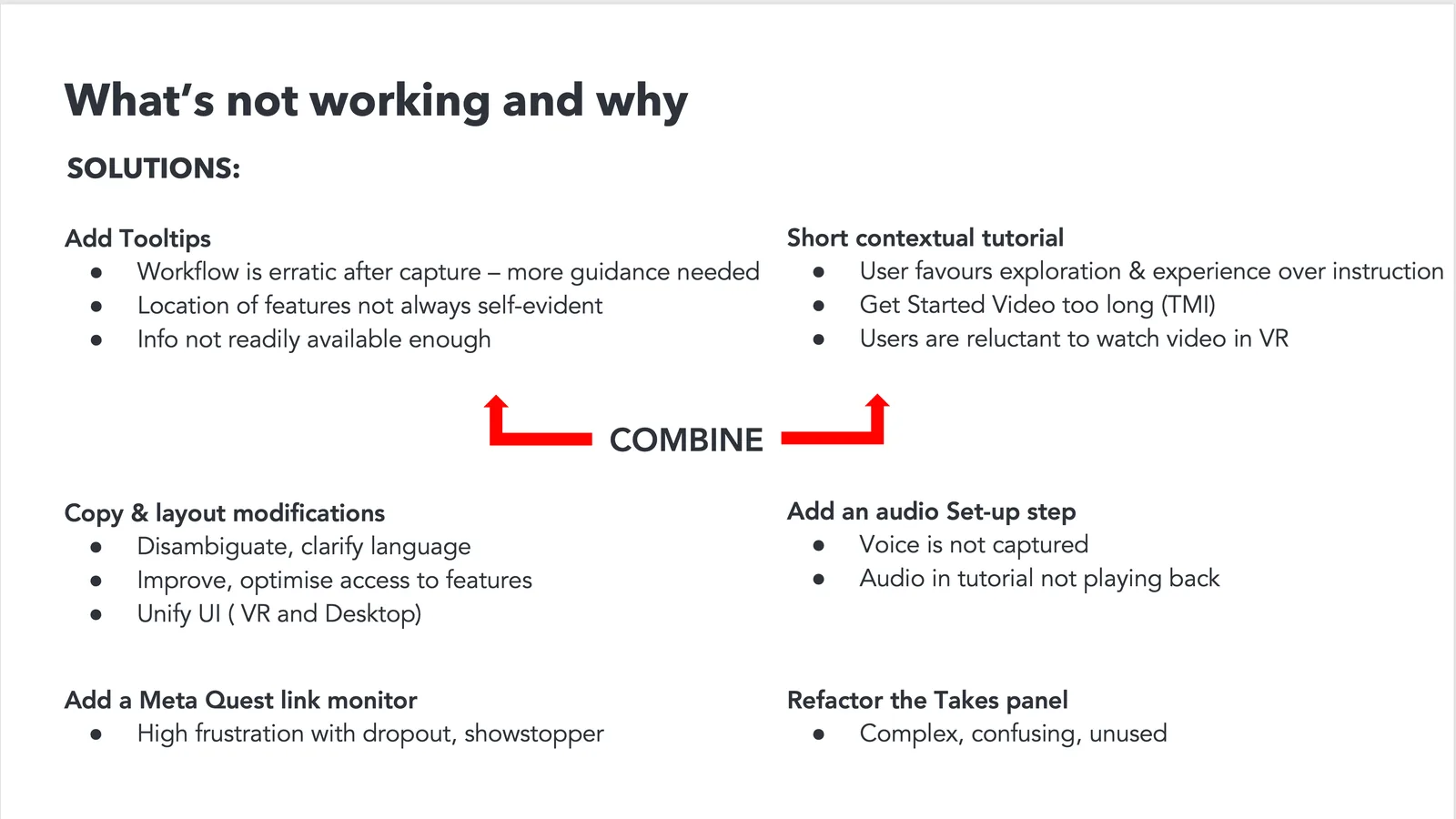
Transcripts and survey data were processed with AI, then checked against the sources so that every finding traces back to a session.
2. Design exploration
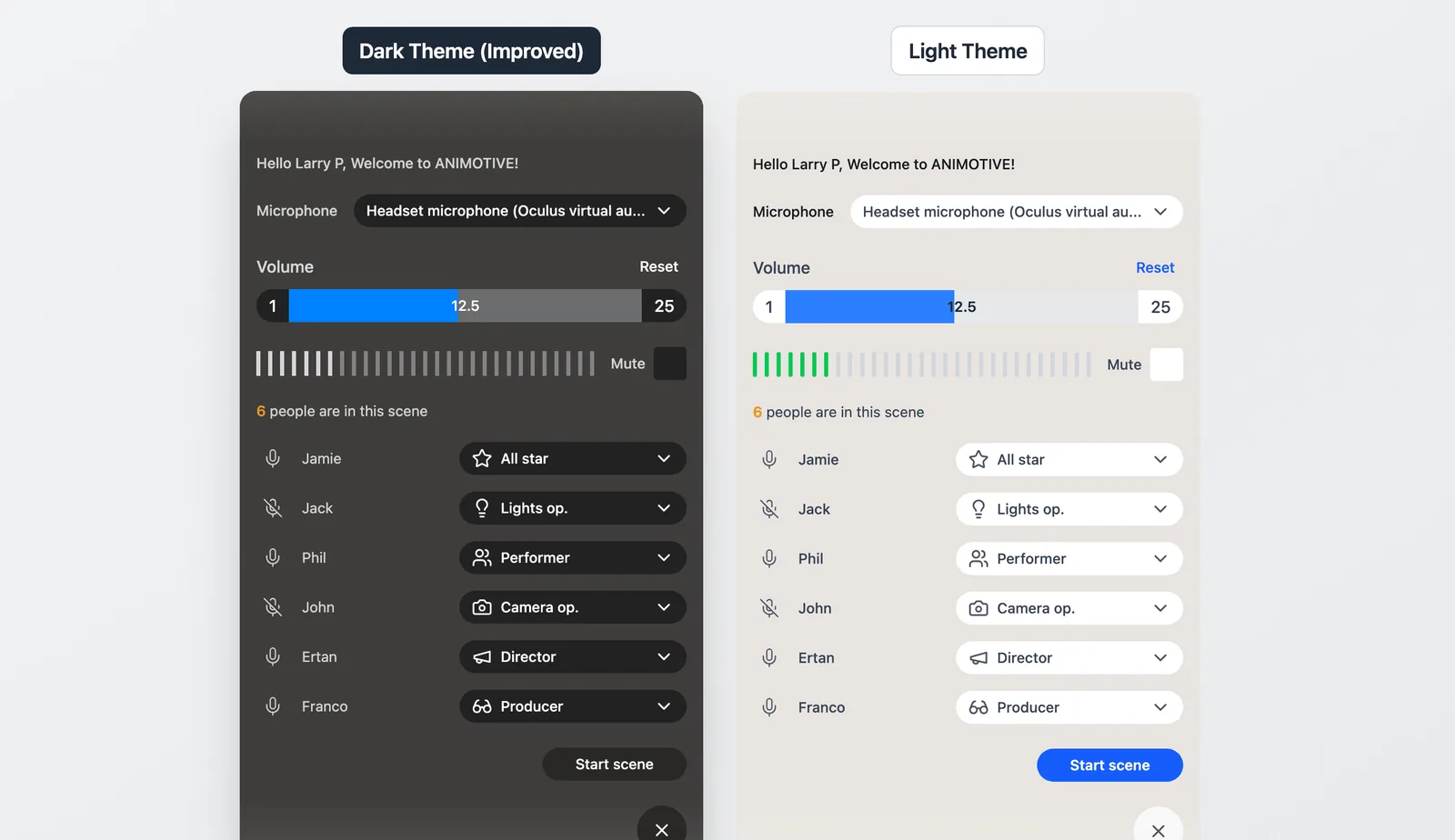
Layout variants, iconography and mood directions were generated quickly with Figma Make and Claude, then narrowed by hand. AI widens the funnel; judgement narrows it.
3. Interactive prototyping
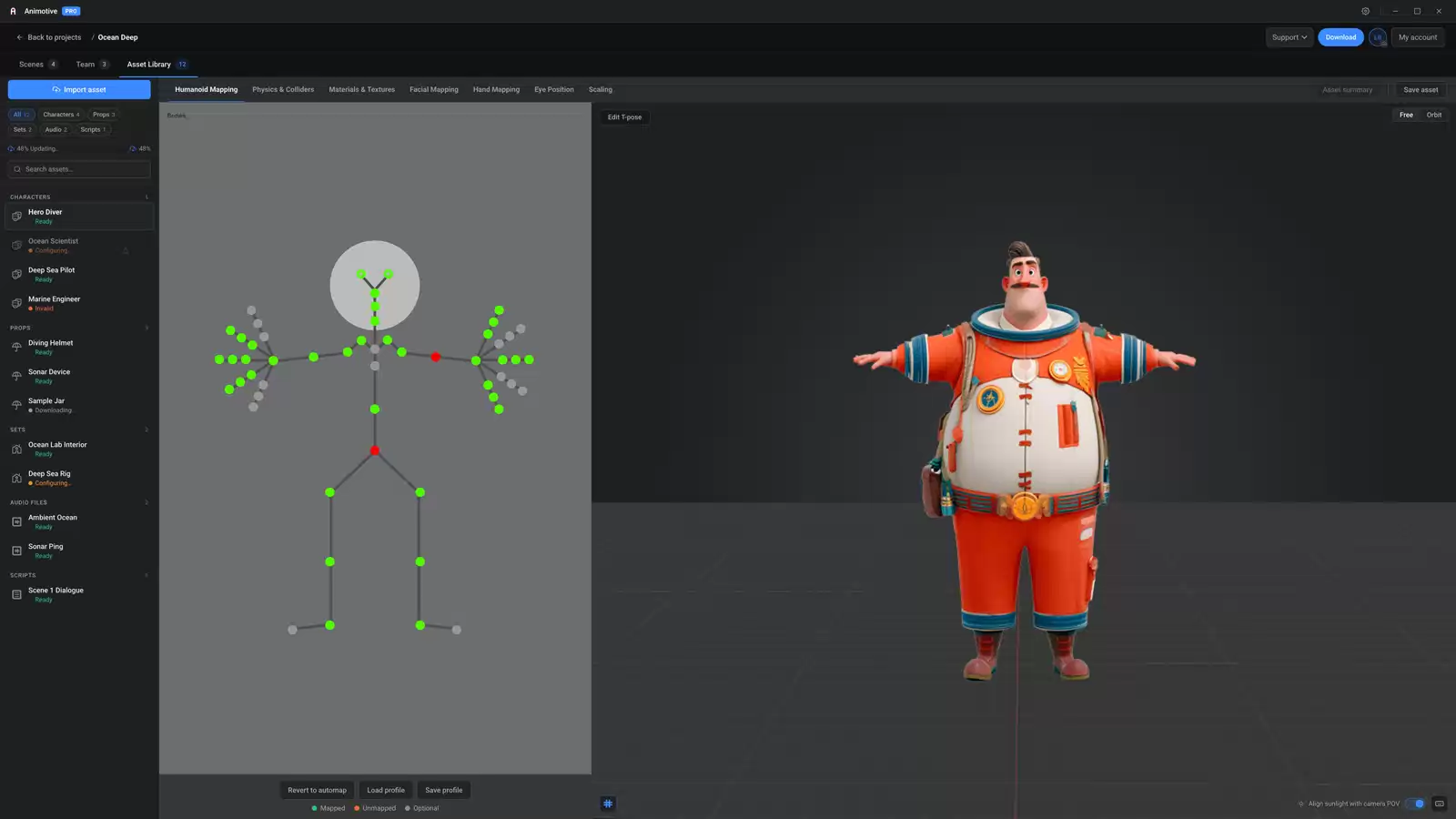
Prototypes built with Claude that would previously have needed engineering time, with hand-over notes for each branch and recommendations for building the components in Unity (C#) and React.
In closing
AI only helps if you keep applying judgement and a narrow focus; a wide choice of options can paralyse. It is a tool, not a toy, and works best when the question is tightly defined and the result is tested.